
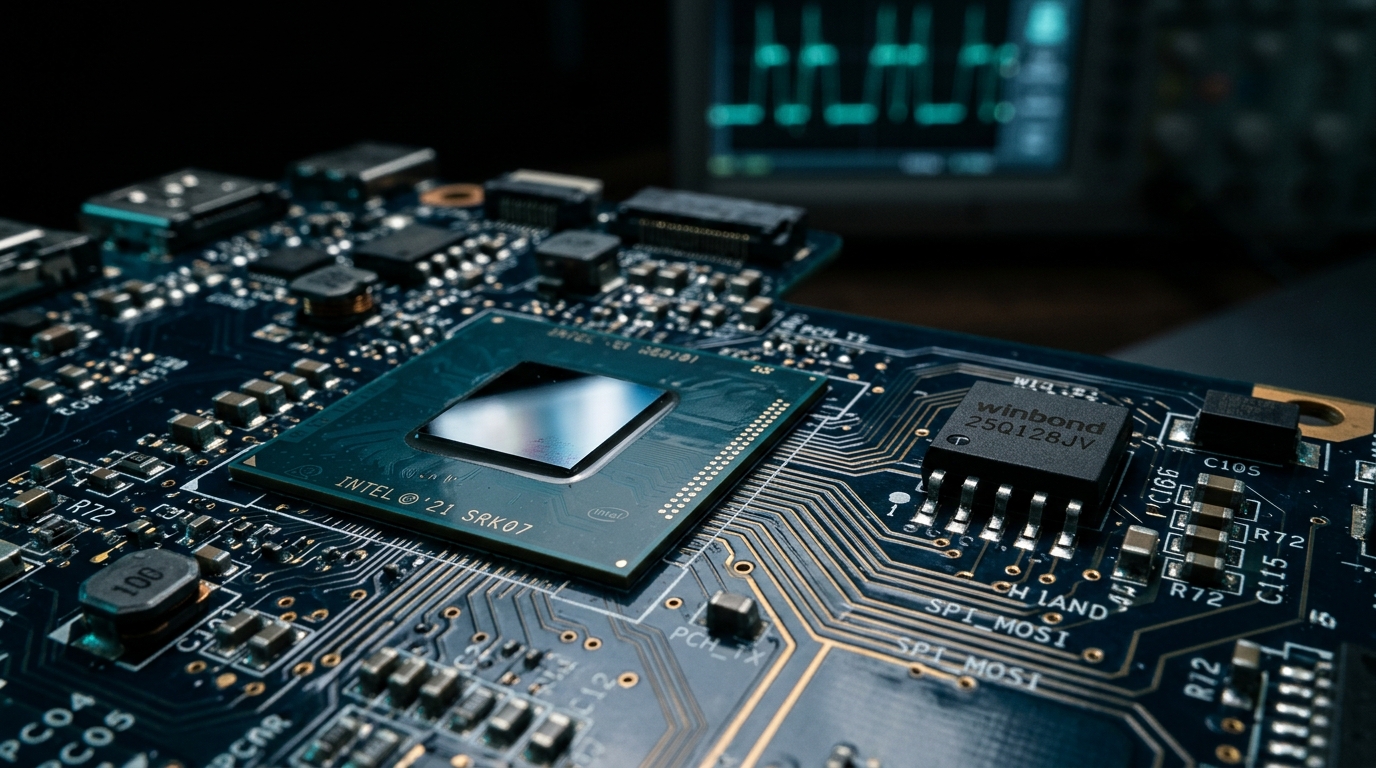
If you have ever flashed a working donor BIOS dump onto an Intel laptop only to discover that the laptop now takes 25–45 seconds to show the logo, runs the cooling fan at 100% speed, or shuts off abruptly after exactly 30 minutes, the culprit is almost always an uncleaned (configured) Intel Management Engine (ME / CSME) region.
1. Anatomy of an Intel SPI Flash Image
A modern Intel UEFI SPI ROM is not a single monolithic block. The first 4 KB contain the Intel Flash Descriptor (IFD), which partitions the SPI chip into distinct regions:
- Flash Descriptor (FD): Defines region boundaries, PCH straps, and read/write permissions.
- BIOS Region: Contains the actual UEFI DXE/PEI modules, ACPI tables, GOP video driver, and OEM setup utility.
- ME / CSME Region: Runs on an embedded microcontroller inside the PCH (Platform Controller Hub) responsible for power sequencing, clock synthesis (ICC), and platform security.
- GbE Region (Optional): Stores the onboard Intel Gigabit Ethernet MAC address and PHY configuration.
- PDR / EC Region (Platform Dependent): Platform Data Region or embedded controller metadata.
2. Why a Donor ME Region Breaks Your Board
When a factory-fresh (unconfigured or stock) ME image boots on a motherboard for the first time, it initializes its internal File System (MFS) and locks hardware-specific calibration data—including the PCH unique ID, clock profile, and Boot Guard/Manufacturing state—directly into the SPI flash.
When that dump is later extracted from Laptop A and flashed verbatim into Laptop B, Laptop B's PCH detects a mismatch between its silicon state and the pre-initialized ME file system. Depending on the ME generation, this triggers:
- Delayed POST (20–45 seconds black screen): The PCH repeatedly retries ME handshake timeouts before falling back to BIOS execution.
- Exact 30-Minute Hard Shutdown: Triggered by the Intel ME Manufacturing Mode / watchdog timer when ME firmware is corrupted, mismatched, or missing its valid partition state.
- Full-Speed Fan / Missing Thermal Telemetry: Because ME participates in PECI thermal communication with the EC.
- Missing Wi-Fi, Thunderbolt, or Audio Devices: Caused by mismatched PCH soft straps inside the descriptor/ME region.
3. Diagnostic Checklist Before Cleaning ME
Before rebuilding the image, verify the following using ME Analyzer (or UEFITool NE):
- Inspect your original backed-up dump from the customer's board. Note the exact ME / CSME version (e.g.,
11.8.50.3425,14.1.65.1990,16.1.25.2020) and SKU type (ConsumerCONvs. CorporateCORP, LP vs. H). - Check the Flash Image State: if it reports
InitializedorConfigured, it must be replaced with a matchingUnconfigured / StockME binary of the exact same major/minor family and SKU. - Check whether Intel Boot Guard is enabled (Profile 3/4/5). On Boot Guard–fused boards, you cannot mix BIOS regions signed by different OEM keys; you must preserve the original signed BIOS/descriptor structure or use an official OEM capsule extraction.
4. High-Level Clean ME Rebuild Workflow
- Open the verified dump in Intel Flash Image Tool (FIT / CSME System Tools) matching the exact PCH generation.
- Replace the initialized ME region binary with the matching stock/unconfigured ME/CSME repository binary (same major version, same SKU: Consumer vs. Corporate, LP vs. H).
- Preserve the original PCH Straps, GbE MAC address, and OEM DMI block (serial number, model name, Windows OA3 product key).
- Build the output image, confirm the exact byte length matches the SPI chip, flash it, and allow the laptop to perform 2–3 automatic reboots on first power-on while the clean ME initializes to the board's PCH.
References & Official Documentation
- Intel Corporation — Intel Management Engine (ME) & CSME Architecture Overview
- coreboot Documentation — Intel Flash Descriptor & Management Engine Region Structure
- UEFI Forum — UEFI Platform Initialization (PI) & Firmware Volume Specifications