
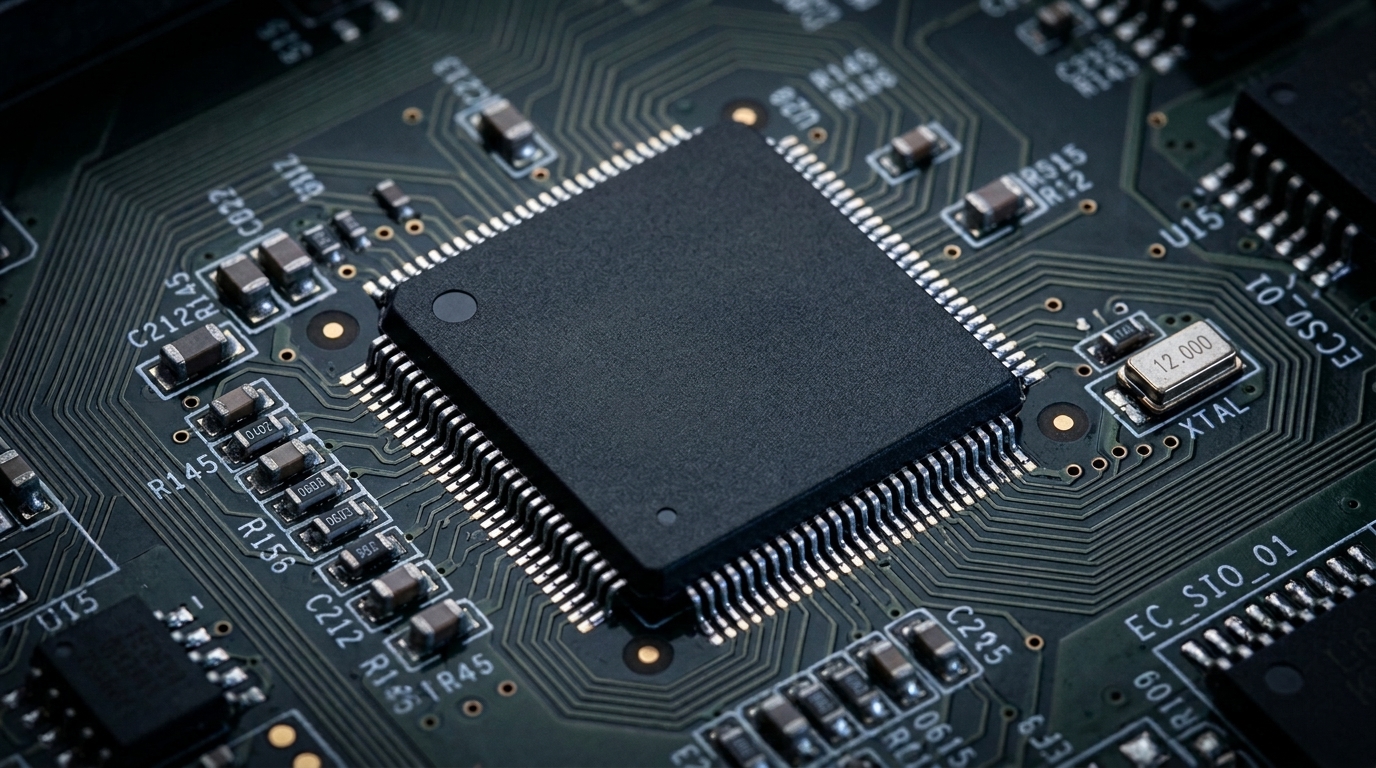
Every modern laptop motherboard contains two independent brains that must cooperate before the CPU ever executes its first instruction: the Embedded Controller (EC / Super I/O) and the Main System UEFI BIOS. Confusing the two often leads technicians to flash the main BIOS repeatedly when the real fault is a dead EC or corrupted internal EC ROM.
1. What the Embedded Controller (EC) Controls
The EC (manufactured primarily by ITE, ENE, Nuvoton, and Microchip/SMSC) is a low-power microcontroller powered directly by the 3.3V standby rail. Even when the laptop is turned off, the EC is awake and managing:
- Power Button & Lid Sensor: Monitors
NBSWON#(power button) and Hall-effectLID_SW#. - Battery Charging & AC Detection: Communicates with the charger IC and smart battery over SMBus and monitors
ACIN / ACOK. - Power Sequencing: Asserts
EC_ON,RSMRST#,PWRBTN_OUT#, andSUSON / MAINONto bring up motherboard rails in strict millisecond order. - Keyboard Matrix, Touchpad & Fan PWM: Scans the internal keyboard matrix, controls LED blink codes, and regulates cooling fan RPM via thermal sensors.
2. Where Does EC Firmware Live? (3 Architectures)
When replacing a damaged EC chip, you must know where its firmware is stored:
- Internal Flash EC (Programmable ICs): Chips like
ITE IT8586E,IT8987E,ENE KB9012QF, andKB9022Qcontain 128 KB of internal flash memory inside the EC itself. If you solder a brand-new blank EC onto the board, the laptop will stay dead until you program the EC via the keyboard connector using a specialized programmer (SVOD, RT809F/H, or Vertyanov). - Dedicated External EC SPI Chip: Older or workstation boards place a small 1 MB–2 MB SPI chip (e.g.,
W25Q80orW25Q16) directly beside the EC, separate from the 8 MB/16 MB main BIOS chip. - Shared SPI Flash (MAFS / eSPI): Many modern Intel 8th–14th Gen designs store both the EC firmware block and main UEFI BIOS inside a single 16 MB or 32 MB SPI flash chip; the EC reads its code over the eSPI bus from the PCH at standby boot.
3. Symptoms of EC Fault vs. Main BIOS Fault
| Symptom | Most Likely Culprit | First Verification Step |
|---|---|---|
| Power button does nothing; no charging LED; 3.3V LDO present | EC IC or EC Firmware | Check ACIN (3.3V), LID_SW# (3.3V), and whether NBSWON# drops 3.3V → 0V on press. |
| Keyboard types wrong letters or dead rows even with new keyboard | EC IC or corroded keyboard FPC | Check keyboard connector pins under microscope and verify EC internal firmware. |
| Laptop powers on, fan spins, all rails + VCORE present, no display | Main UEFI BIOS / RAM / GPU | Check PLTRST# (3.3V) and oscilloscope activity on main SPI pin 1 (CS#). |
| 30-minute automatic shutdown or 30-second delayed logo | Main BIOS Intel ME Region | Rebuild main BIOS dump with clean stock Intel ME/CSME region. |
References & Official Documentation
- Intel Corporation — Enhanced Serial Peripheral Interface (eSPI) Base Specification
- Nuvoton Technology — NPCX Embedded Controller Architecture & Technical Briefs
- ACPI Specification (UEFI Forum) — ACPI Embedded Controller Interface Specification