
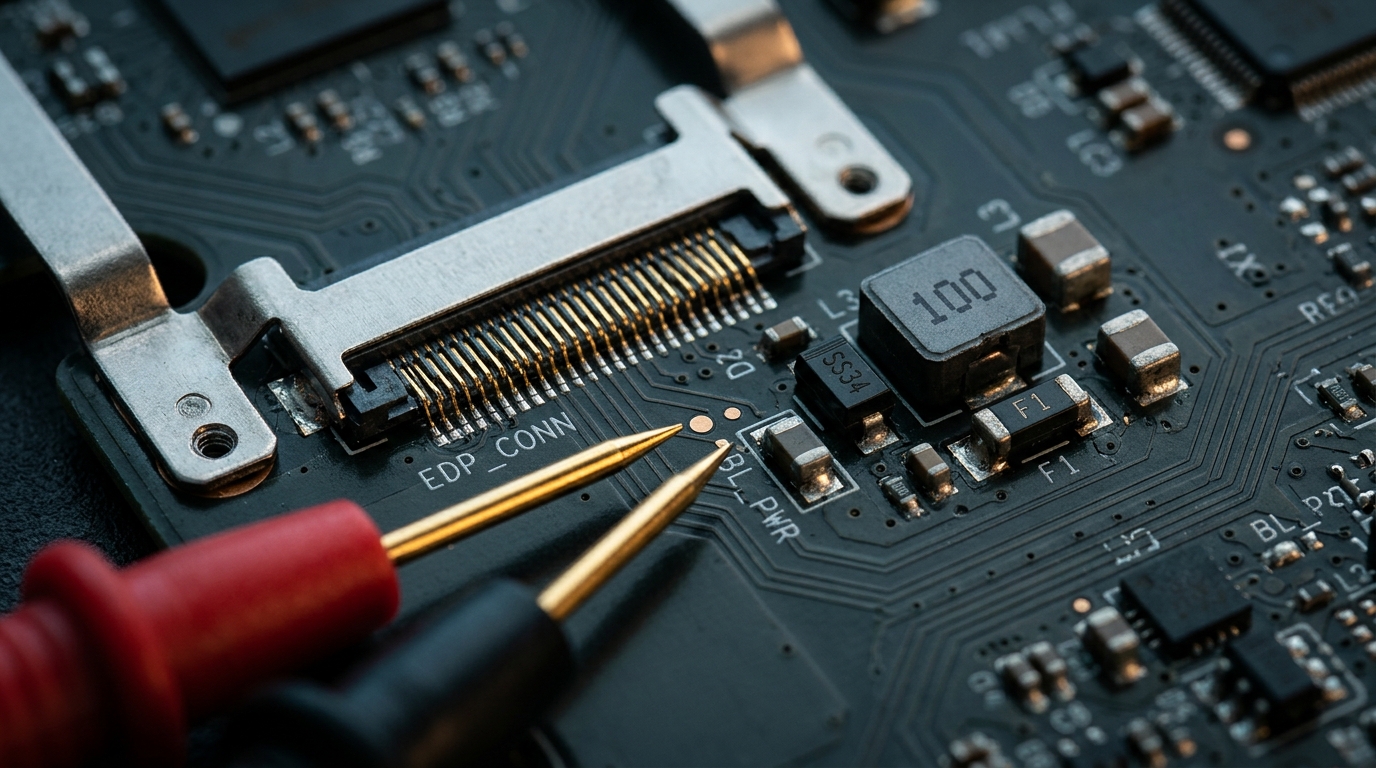
A black laptop screen can mean two completely different faults: No Image (the LCD panel is not receiving video data or 3.3V logic power) or No Backlight (the LCD is displaying a crisp image, but the LED backlight strip is unpowered). Always start with the flashlight test and an external HDMI/DisplayPort monitor before touching the motherboard.
1. Step 1: Isolate Panel vs. Motherboard
- External monitor works + faint image visible with a flashlight on the laptop LCD: Classic No Backlight fault. The GPU, CPU, BIOS, and eDP data lanes are healthy!
- External monitor works + completely blank LCD (even with flashlight): Missing
LCDVDD (3.3V), broken eDP cable, defective LCD panel, or missingHPD(Hot Plug Detect). - External monitor also has no signal: True No POST / No Display (suspect RAM, BIOS, VCORE, or GPU—not the backlight circuit).
2. The 5 Essential eDP Connector Measurements
With the laptop powered on and the LCD plugged in (always disconnect the battery before plugging/unplugging an eDP cable—hot-plugging an eDP cable is the #1 cause of blown backlight fuses and dead CPU eDP lanes!), carefully probe the eDP connector pins against your schematic:
| Signal Name | Healthy Voltage | What Fails When Missing |
|---|---|---|
LCDVDD / +3VS_LCD | 3.3V | LCD T-CON logic has no power; check the 3.3V load switch IC controlled by ENVDD. |
EDP_HPD | 3.3V (or 1.8V on some boards) | Panel isn't reporting itself as connected; GPU never enables backlight or video lanes. |
BKLT_PWR / LED_V+ | 19V (direct) or 25V–42V (boosted) | Open backlight SMD fuse (commonly labeled F1 / F2, 3A 32V) or shorted boost diode/cap. |
BL_EN / BKOFF# | 3.3V | Check lid sensor (LID_SW# must be 3.3V, not stuck at 0V!), EC enable, and GPU enable. |
BL_PWM / DISPOFF# | 1.5V – 3.3V (PWM square wave) | Brightness control signal; if 0V, backlight driver stays dimmed to 0%. |
3. Common Backlight Fuse & Boost Converter Faults
- Blown Backlight Fuse: Located right next to the eDP connector on the 19V
B+feed. Check continuity across the fuse. Always check resistance to ground on the LCD side of the fuse before replacing it—if shorted, you have a bad filter cap or shorted LCD panel LED driver. - Stuck Magnetic Lid Sensor (Hall Effect Switch): A corroded or shorted Hall sensor pulls
LID_SW#to 0V, telling the EC the laptop lid is closed—which immediately killsBL_ENwhile keeping the external HDMI port working! - Dead Backlight Boost Driver IC: On boards with on-board LED drivers (e.g.,
LP8550,TPS61177, orRT8566), ifBKLT_PWRstays at 19V instead of boosting to ~30V–40V despite validBL_ENandPWM, inspect the boost inductor, Schottky diode, and feedback pin.
References & Official Documentation
- VESA — Embedded DisplayPort (eDP) Standard Overview
- Texas Instruments — WLED Backlight Boost Driver Architecture & Diagnostics